

TRW Board
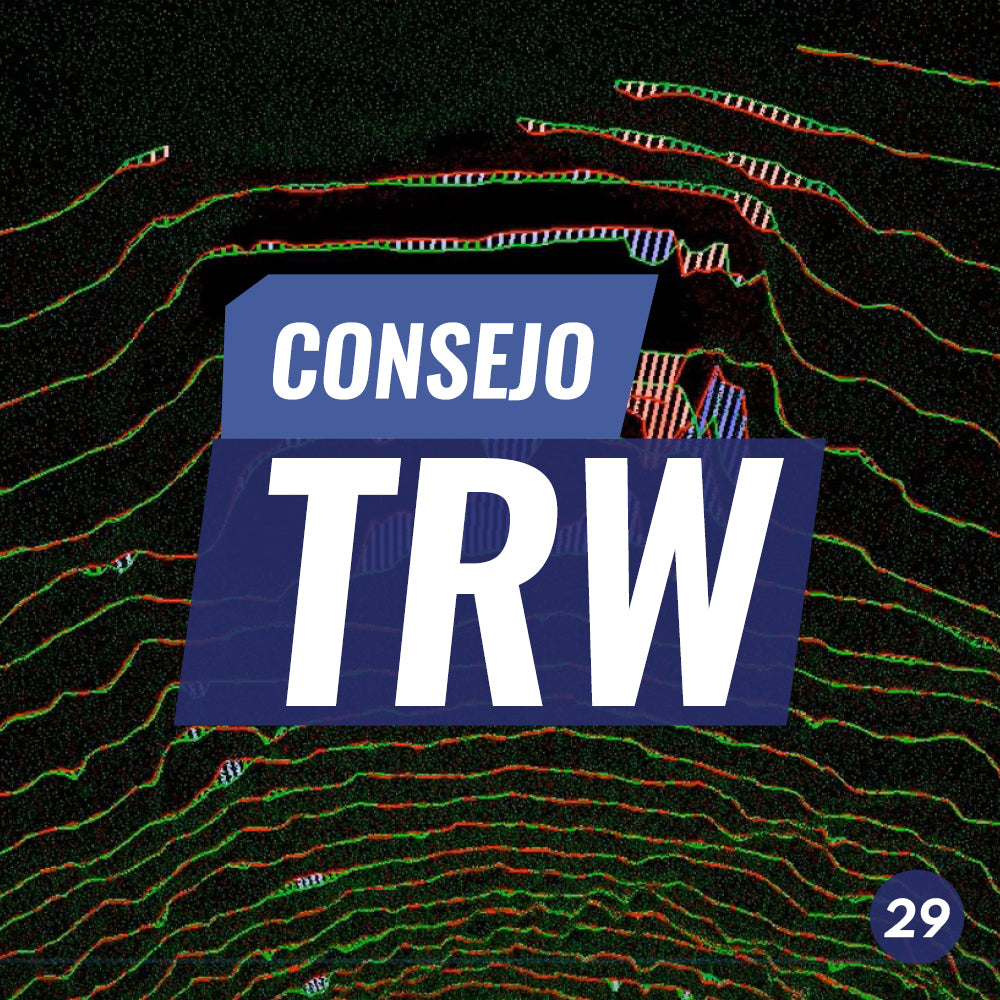
TRW Tip #29 | Underground Space Advancement Control
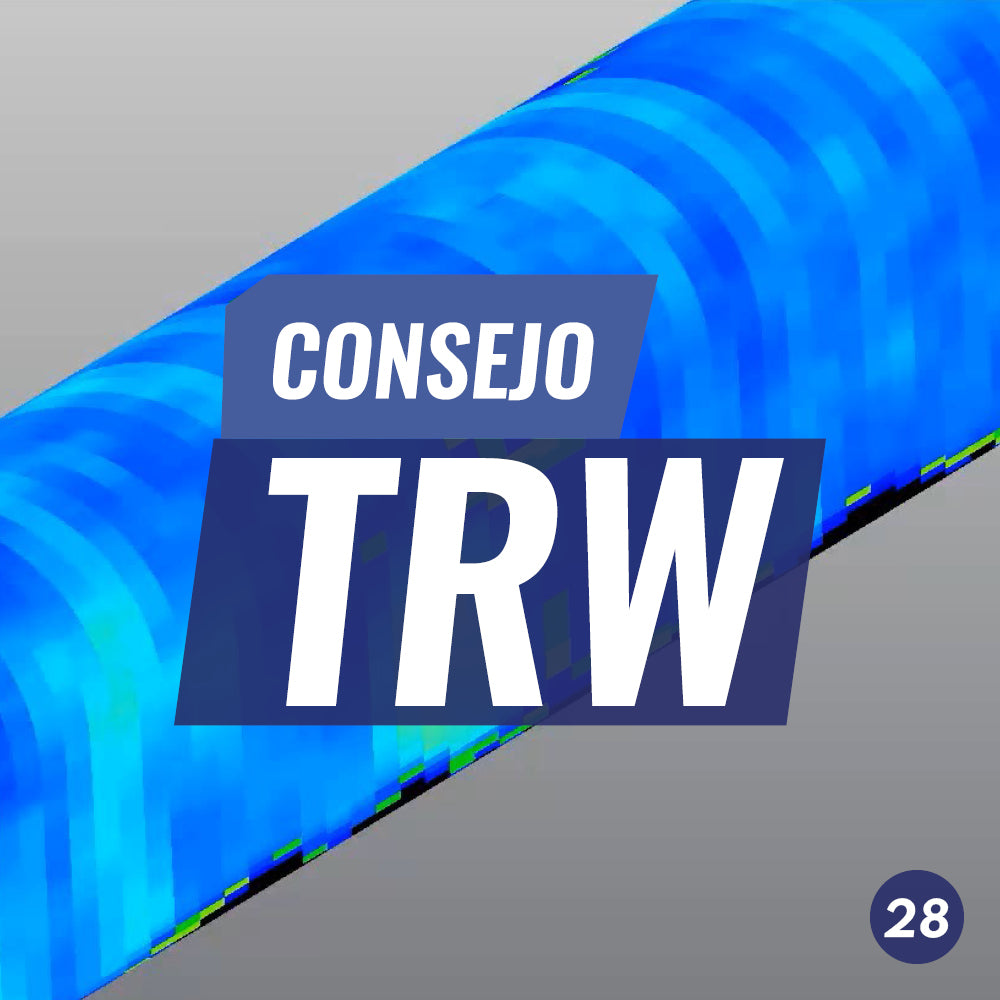
TRW Tip No. 28 | 3D Inspection Annotations

TRW Tip #27 | Automatically Segmenting Moving Objects
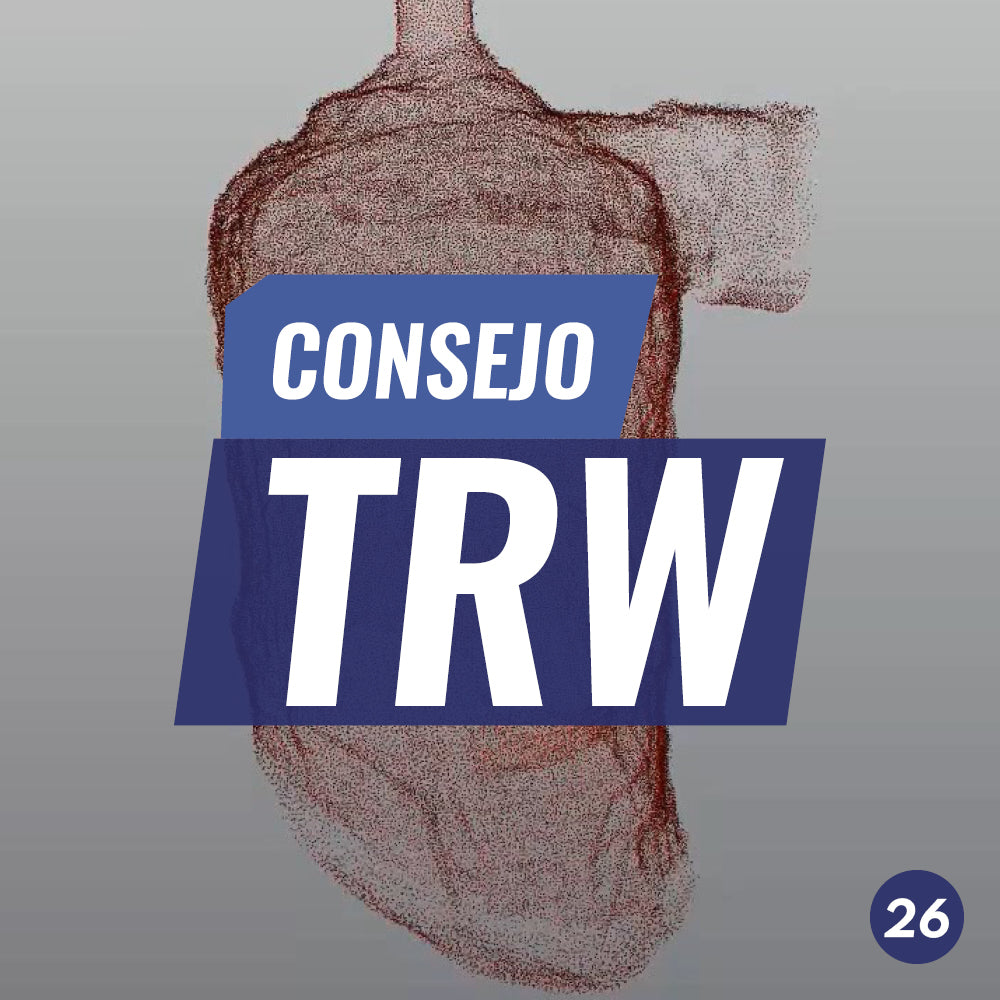
TRW Tip #26 | Mesh creation and editing
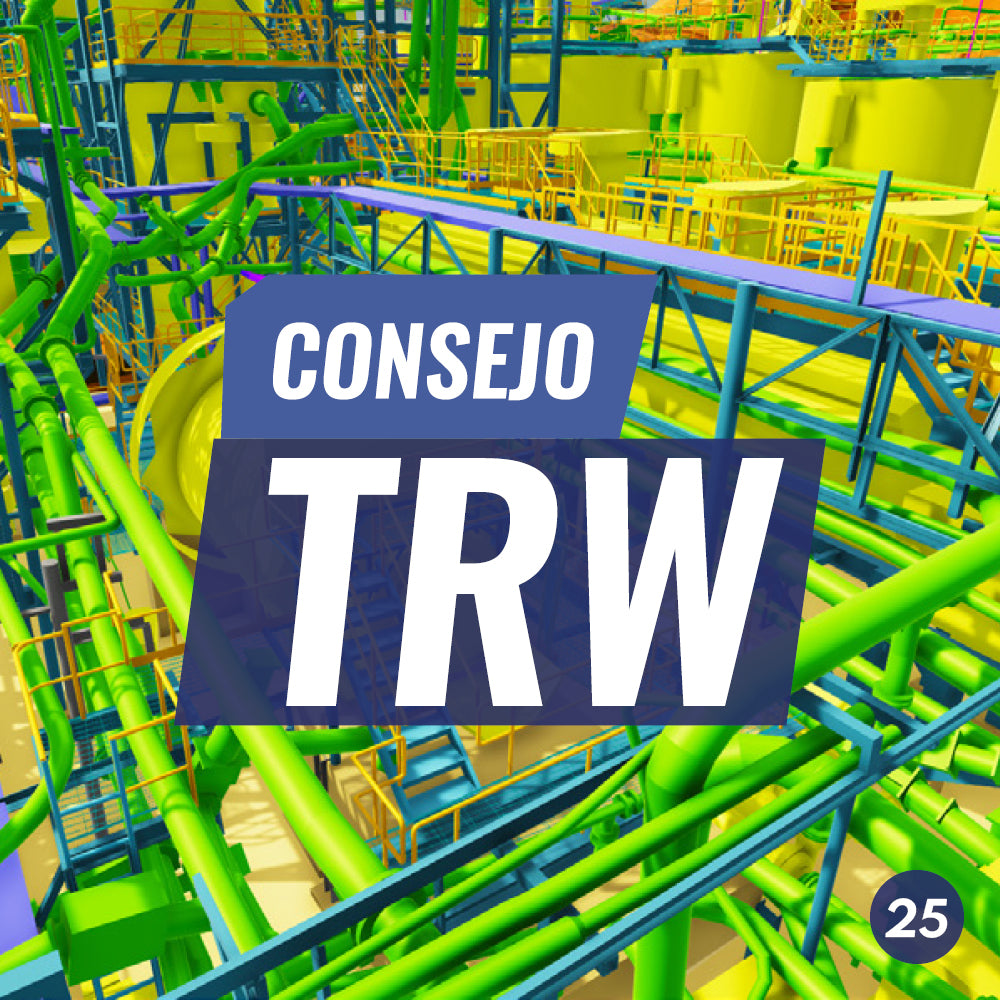
The new modeling tool in TRW PERFORMANCE module allows pipe modeling without the need to segment or clear the work area.
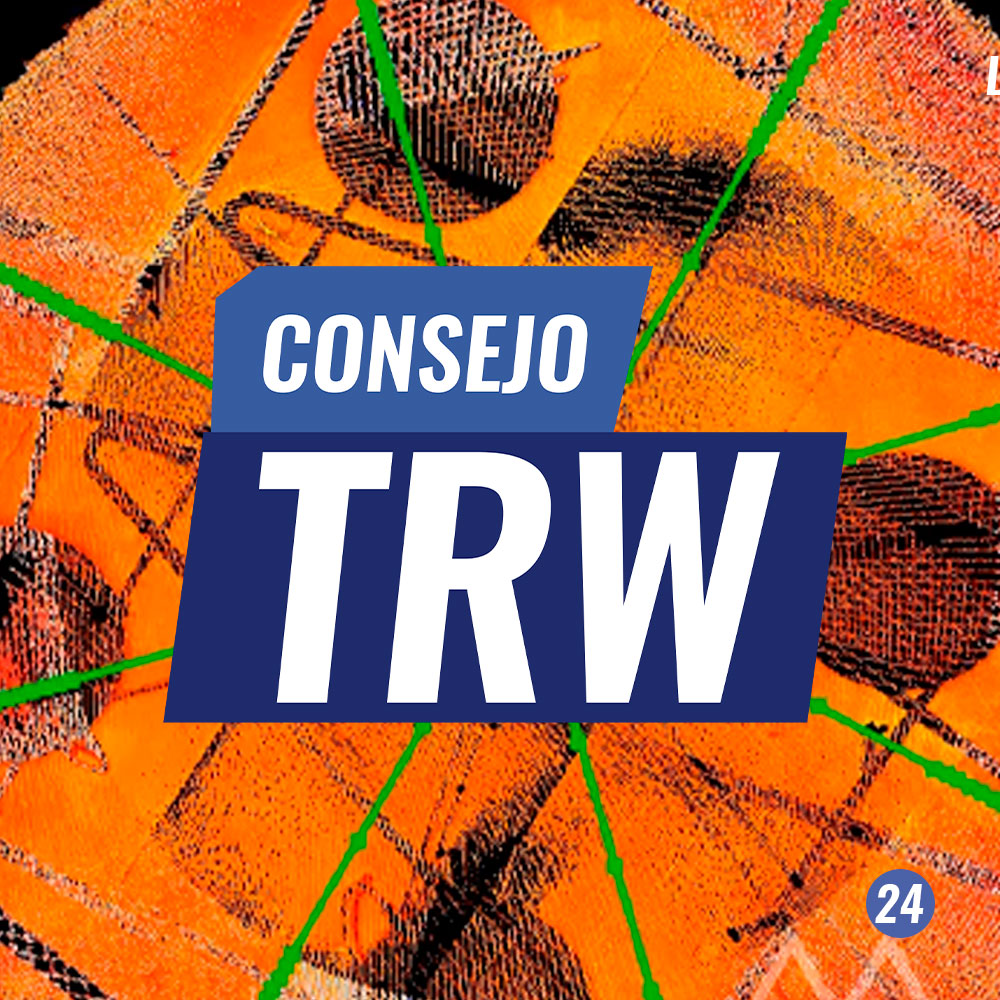
TRW Tip #24 | Verticality and roundness analysis of tanks
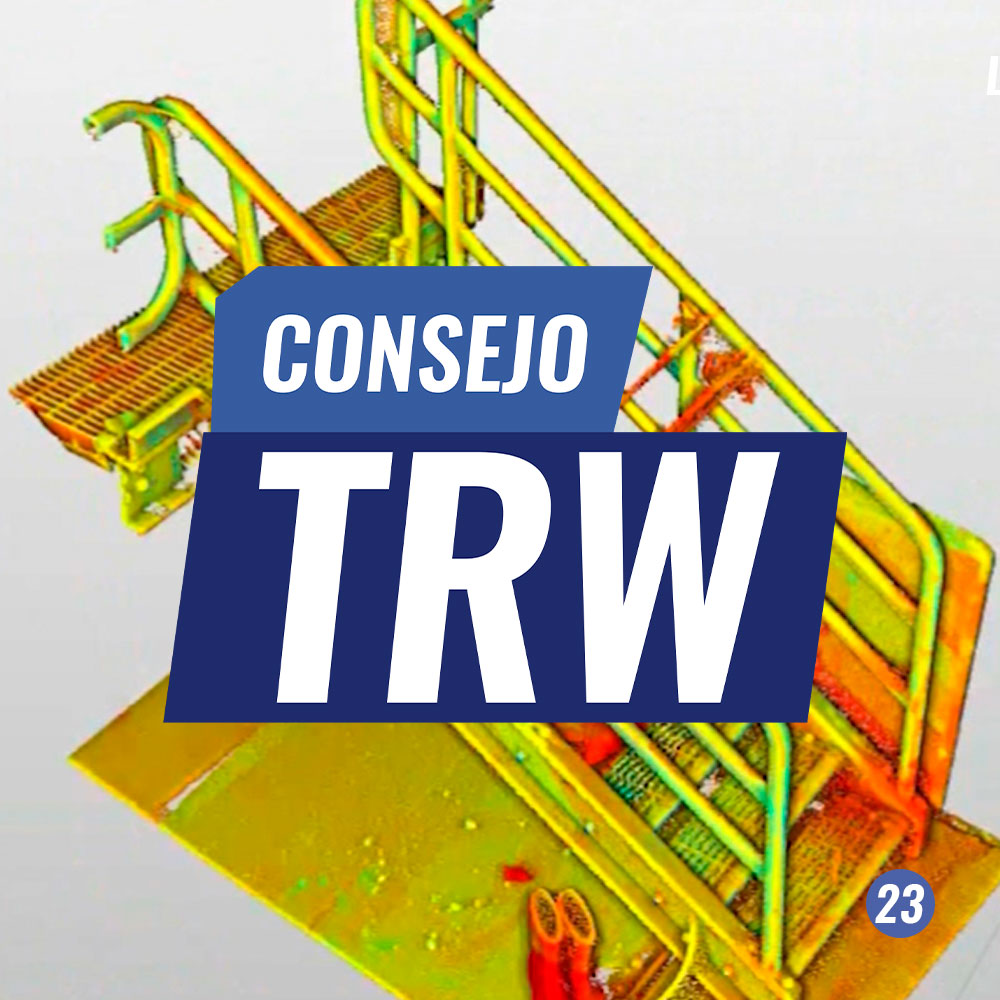
TRW Tip #23 | ASSISTED 3D MODELING FOR ACCESSES
This TRW tip shows the tools available in TRW to optimize the process of modeling scales and stairs. These will be very helpful when generating As-Built Drawings.

TRW Tip #22 | Assisted 3D Modeling for Industrial Plants
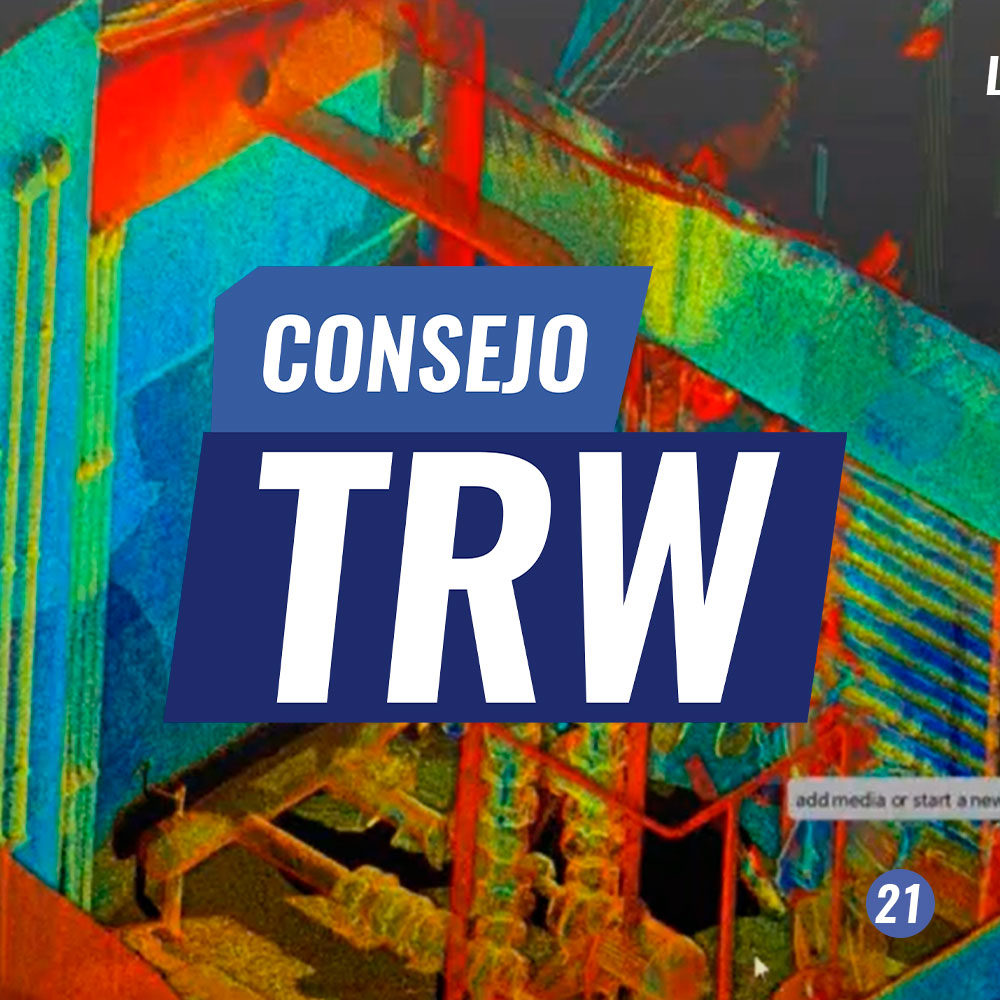
TRW Tip #21 | 3D Modeling Tools for Engineering Applications
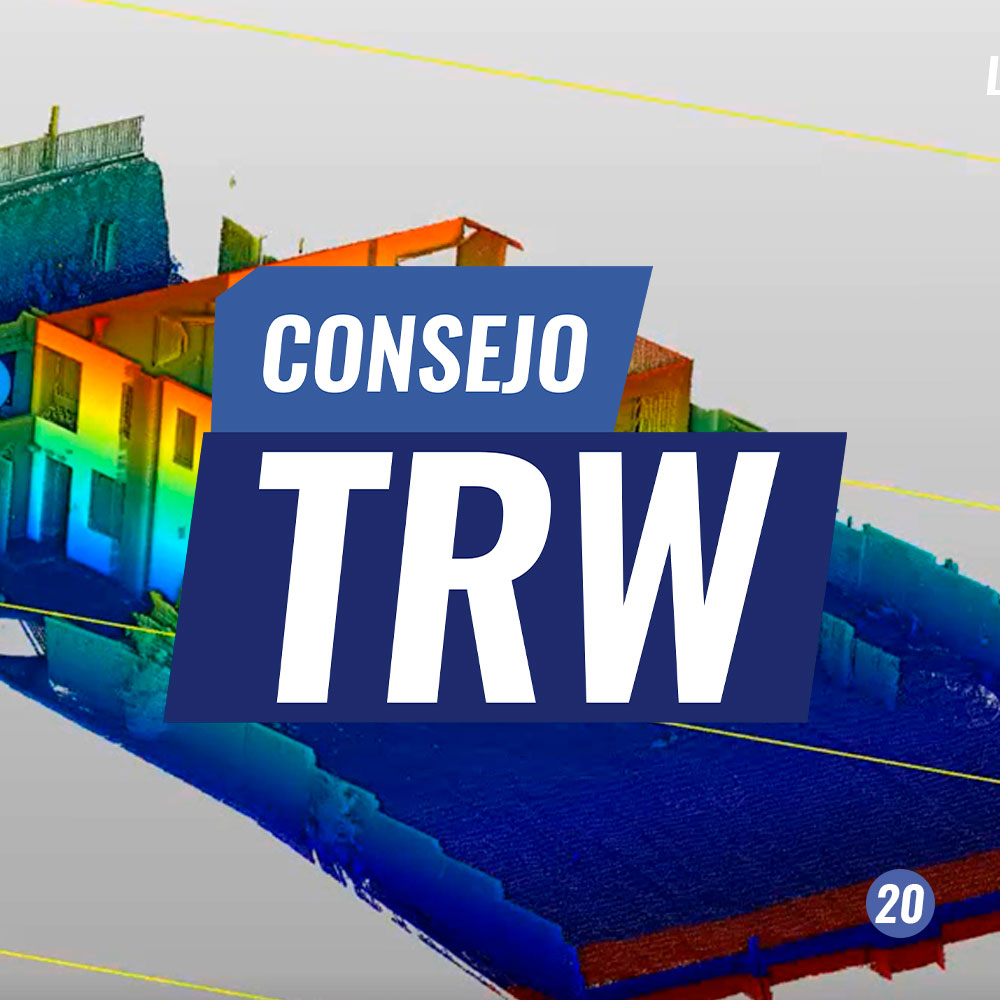
TRW Tip #20 | Applications in BIM and Construction: Wall Flatness and Verticality
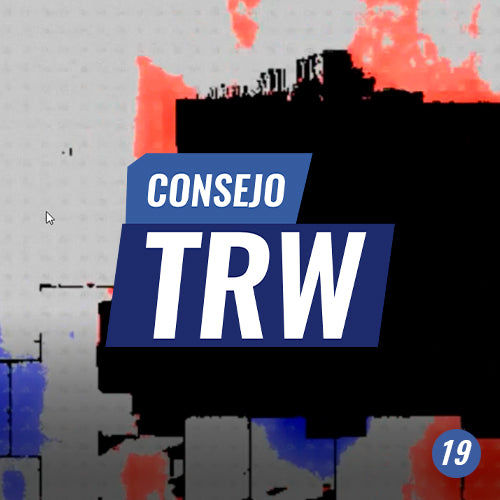
TRW Tip #19 | Applications in BIM and construction, floor flatness
One of the most important production processes in BIM work environments is the comparative analysis between design and reality; this is one of the possibilities that LIDAR technology offers us.
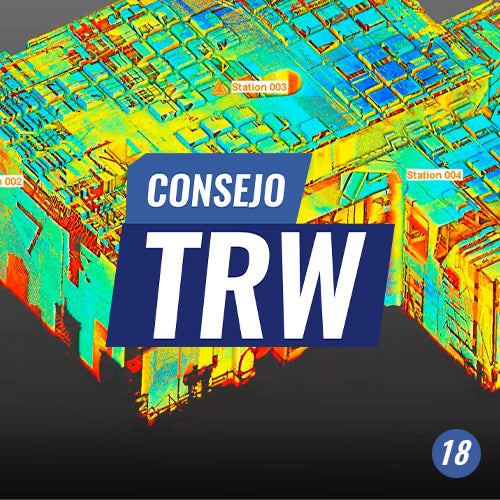
TRW Tip #18 | Interference Detection
Clash detection is one of the most relevant tasks in BIM coordination. It involves analyzing the correct placement of an object within an already implemented space and observing its interaction with the surroundings to determine where clashes occur.

TRW Tip #17 | SHOTCRETE THICKNESS INSPECTION
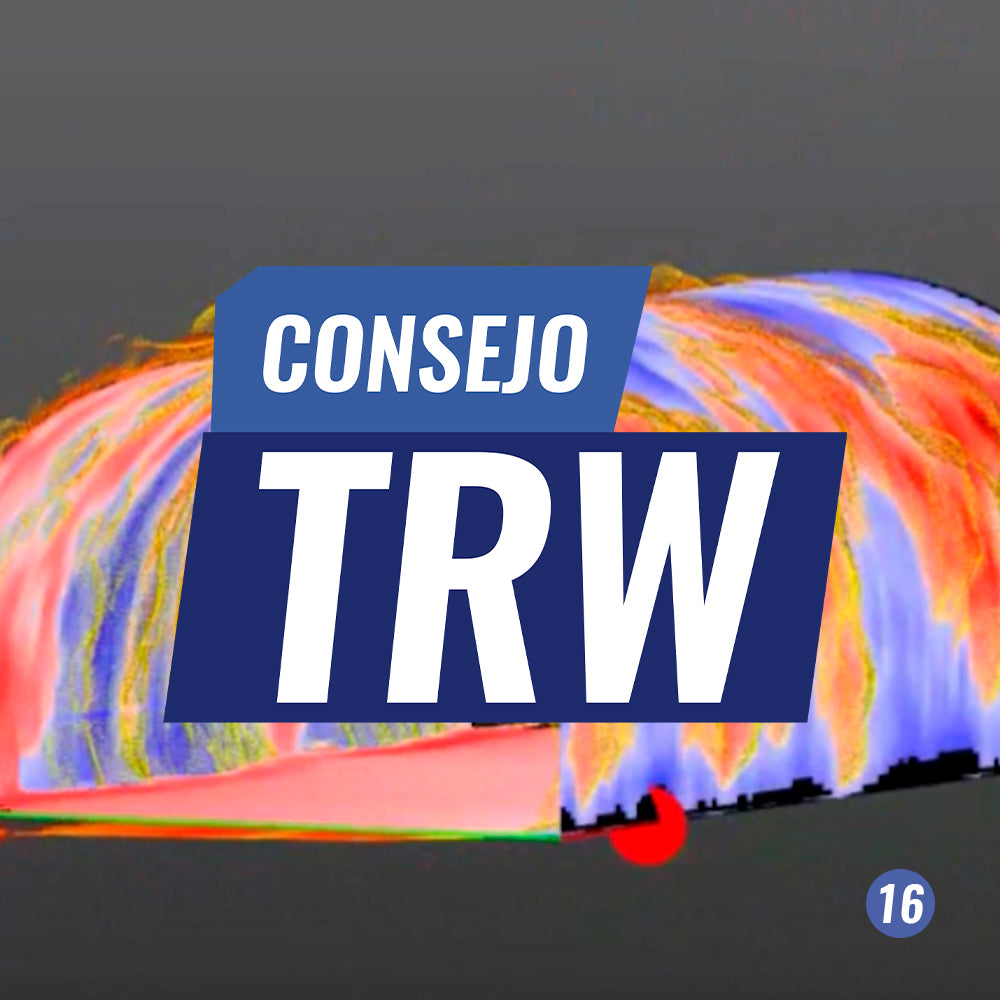
TRW Tip #16 | UNDERGROUND INSPECTION
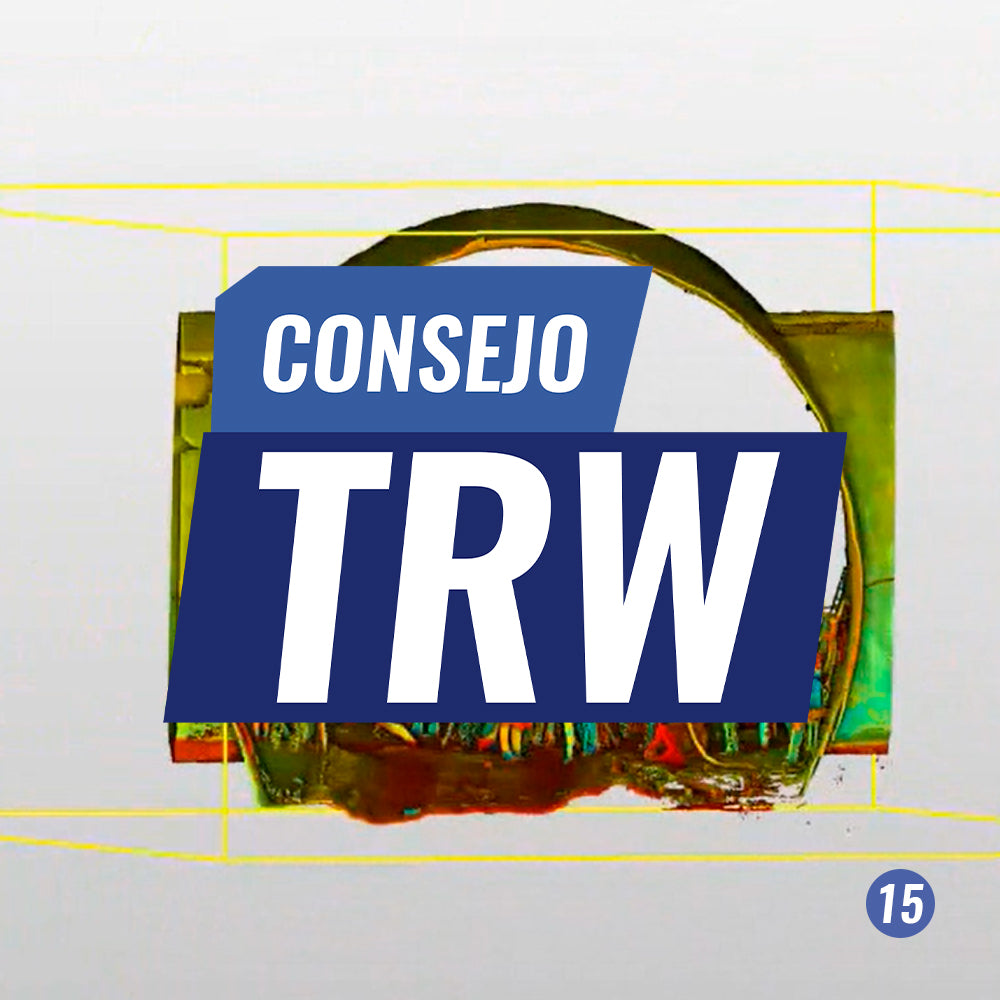
TRW Tip #15 | Underground Workflow
Working in underground spaces, such as tunnels or galleries, is one of the most common challenges in engineering and construction. Its complexity level requires the highest possible precision and fidelity, making Trimble RealWorks the ideal tool to take on this challenge.