

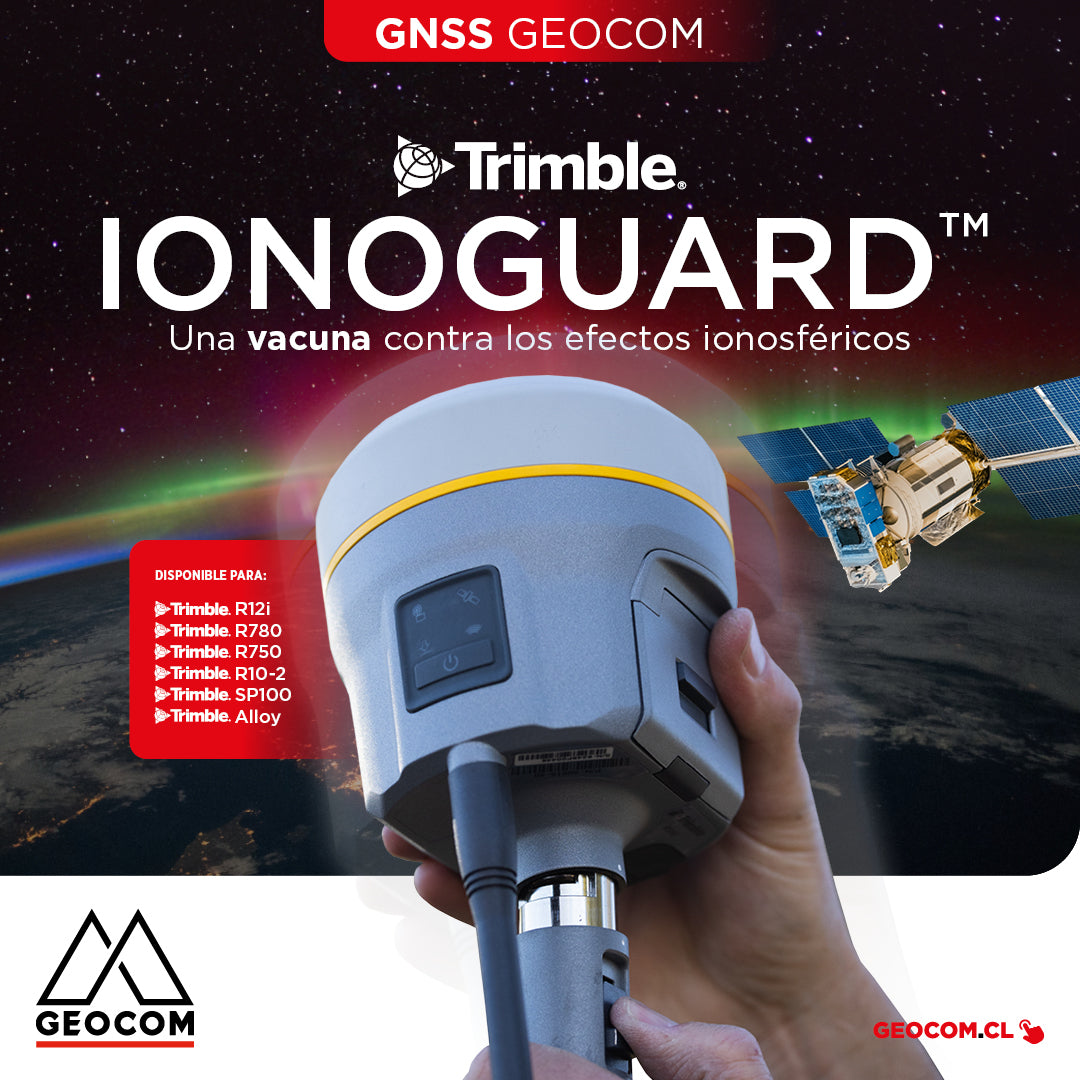

Trimble IonoGuard: A vaccine against ionospheric effects
GNSS Geocom
Recently, the ionosphere has been causing trouble for GNSS users in different regions of the world. Basically, it is the influence of solar activity on the atmosphere, specifically on the layer called the ionosphere, which causes an unusual delay in the arrival of the different signals received by GNSS from the various constellations available.
The result of this on RTK applications is the degradation of precision over potentially long periods of time. Clearly, this leads to a loss of productivity for GNSS users.
Fortunately, GEOCOM has a solution that mitigates this effect. IonoGuard works on Trimble GNSS receivers that use the ProPoint real-time processing engine (R12i, R780, R750, R10-2, SP100, Alloy).
How does IonoGuard work?
Currently, firmware 6.28 enables three modes for using IonoGuard from the GNSS receiver's webUI:

Case 1 (Disabled): IonoGuard is not applied.
Case 2 (Enabled without Fallback Mode): This is the receiver's default mode when the specified firmware is installed. If the base station has IonoGuard enabled, ionospheric anomaly detection is applied at the base and a correction is sent to the rover via RTCM/CMRx messages. If the base does not have IonoGuard enabled and this mode is attempted on the rover, it would be like Case 1.

GEOCOM recommends always using a base and rover with IonoGuard active from firmware 6.28 onwards. It is important to understand that ionospheric effects do not only affect nocturnal operations, which is confirmed by the fact that we are seeing negative atmospheric effects for routine topographic operations in several regions.
If you need help verifying if your receiver is compatible with IonoGuard or require support for its installation, please contact soporte@geocom.cl
Compartir:
What is Reality Capture? - Engineering and Metalworking
[Antofagasta] UAS Workshop | Drones in the geospatial world