

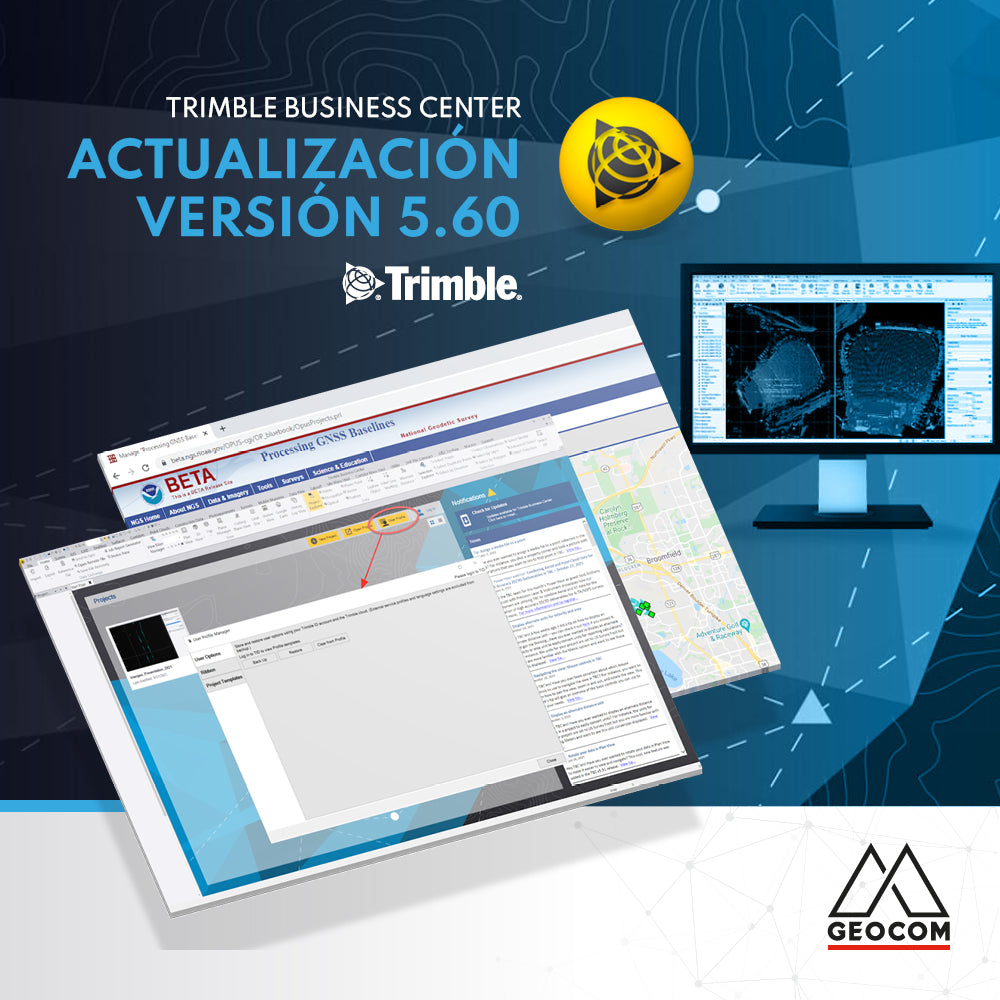

TRIMBLE BUSINESS CENTER v5.60 now available!
Trimble Business Center (TBC) v5.60 was released on November 15, 2021. The main new features of this version are listed below:
New User Profile capabilities to save project templates, command ribbon and more
The new User Profile command provides a single location to backup and store files to the Trimble Cloud using your free Trimble Identity (TID) login.

Interactive time-dependent transformations
Interactive time-dependent transformations allow users to recalculate project coordinates using coordinate systems based on different global references and epochs. Users will now have the option to maintain or transform global coordinates when updating from old to new datums and epochs.

Export GNSS vectors in .GVX format to the NGS OPUS platform
Export GNSS vectors from TBC in GVX formatted files. This format is designed for any type of GNSS vector, whether it has been derived from a real-time kinematic (RTK) survey or from baseline post-processing. GVX files can be used to upload vector data to NGS OPUS Projects version 5 and later.

Referencing and underlaying .VCE files and surfaces in other TBC projects
Use the Reference File Manager to link other TBC projects (.vce) and surface data to display in your current project for reference purposes. While no edits or changes can be made to the reference data within the project, any changes made to the selected reference file will be reflected and updated in the project.

Linear feature extraction for lane line markings
Automatically extract solid, dashed, and double lane lines with user-defined line styles and settings. Optionally, users can automatically create feature-coded points at defined intervals along the extracted lane line.

Streamlined UAS workflow and support for DJI Zenmuse L1
With the new streamlined user interface, you can now easily import, process, and deliver DJI drone data by executing the photogrammetric workflow. The simple left-to-right approach guides you through the process, making selection steps easier for the user.

Optimized data import and tracking data management with custom reports
Reduce the time to create monitoring reports using automated Trimble Access Monitoring import. Once the data is imported, use the new Epoch Manager tool to edit the monitoring data in one view, simplifying data management. To finalize your project, use the customizable monitoring report to handle different project requirements.

New tunneling tools to automate data preparation and enhanced reports for TBM projects
Optimize the as-built TBM (Tunnel Boring Machine) reporting process using the new best-fit circle report for TBM ring verification and automatically create best-fit 3D points for construction center analysis, especially useful for railway and subway projects. For conventional tunneling projects, use the new automated data preparation tool to create multiple stakeout points based on interval parameters, drastically reducing office data preparation time.

Compartir:
BIM, Augmented Reality, and Roadway Projects
What's new in Trimble Access v2021.20