

Consejo GEOCOMConsejo TAConsejo Trimble AccessConsejos GEOCOMConsejos Trimble AccessGEOCOMTATrimbleTrimble Access

TA Tip #20 | Continuous lifting
Continuous topo is a method of automatically acquiring points, either using GNSS or a total station, such that a time and/or distance criterion is met.
Consejo TAConsejo Trimble AccessEstación totalEstación Total de escaneoSx10TATrimbleTrimble AccessTrimble SX10
TA Tip #17 | Scanning station with Trimble SX10
The Scanning Station allows us to speed up field data capture using the SX10 as a conventional scanner, whose positions will be recorded in Trimble Business Center.
TIPS & TRICKS #14 | KINEMATIC SURVEY WITH TDC600 AND TRIMBLE R8s GNSS
This tip shows the communication of the GNSS receiver with the TDC600 Collector, survey style setup, measurement, and data download.
ProPoint is Trimble's new GNSS RTK processing engine. See how Trimble Access enables seamless transition from GNSS to robotic total station in the integrated surveying workflow.
TA Tip #7 | Data Synchronization
Trimble Access allows you to synchronize data from the office to the field and vice versa. Using the Trimble Sync Manager application, manage all necessary information for different survey crews located in various locations.
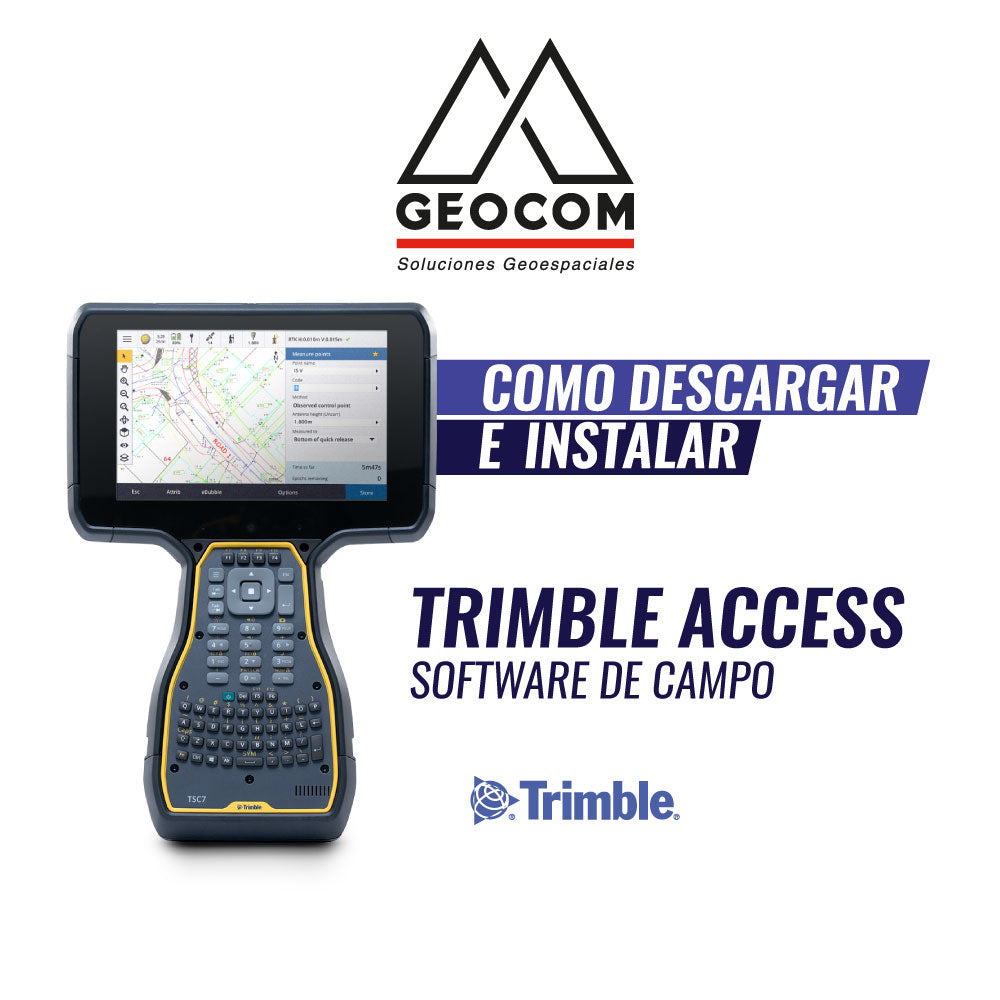
Download and install Trimble Access by GEOCOM
In the following tutorial, you will learn about the procedure you need to follow to install Trimble Access on your computer.