

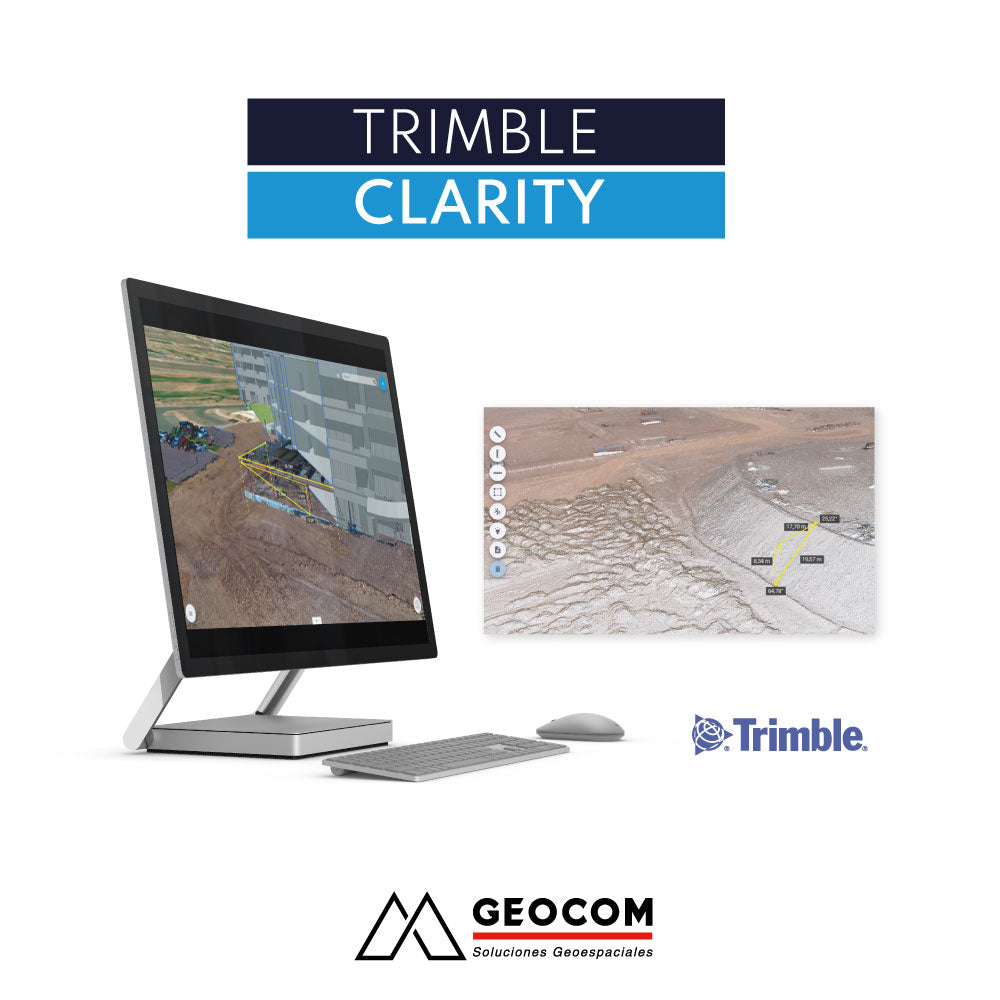

Collaborative environment for viewing point clouds and 3D models

VIEW POINT CLOUDS AND 3D MODELS
Share your point clouds and 3D models quickly and easily using any internet-based device.

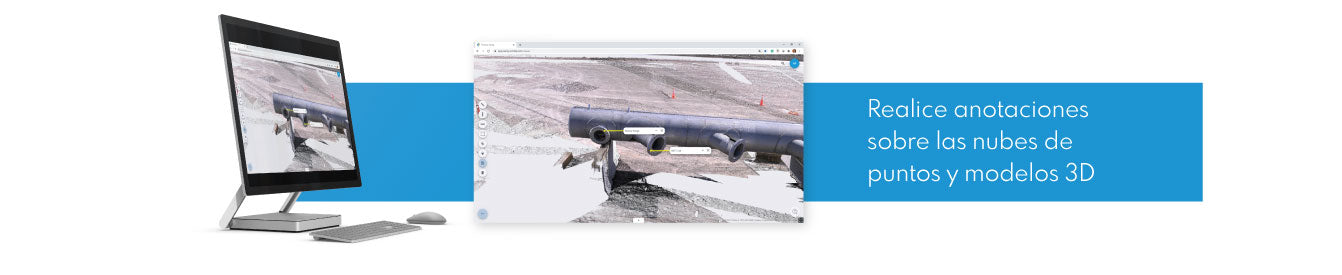
MEASURE, MARK AND ANNOTATE
Measure, analyze, and tag your models. Make notes for review or simply share your data.

SHARE, COMMUNICATE AND COLLABORATE
Securely share projects and update progress with your work team or clients without the need for complex software.

POINT CLOUDS IN YOUR POCKET
No matter where you are, Trimble Clarity always provides access to your data.
 VIRTUALLY REVISIT YOUR PROJECTS
With Clarity's global view, you can easily locate your projects without having to search through folders.

TRIMBLE CLARITY IS A BROWSER-BASED POINT CLOUD AND 3D MODEL VIEWER THAT CAN BE USED ON ANY INTERNET-CONNECTED DEVICE.
The Clarity platform allows projects to be shared to update progress with the work team or clients, allowing them to interact with the data without having software previously installed on their computers.Trimble Clarity solves the problem of using complex software for users who only need to perform simple tasks on a point cloud or 3D model, putting a tool for updating information into the hands of key decision-makers. In addition, Clarity improves the speed of communication between different work teams, reducing the risk of misunderstandings and costly errors. Trimble Clarity adds value to geospatial data visualization, allowing BIM data and point clouds to be combined quickly and accurately.
HOW TO USE CLARITY?
After acquiring and processing geospatial data from laser scanners or photogrammetry, the data is uploaded to Clarity using cloud storage (Trimble Connect, Google Drive, Dropbox, OneDrive, or simply a local file) or via Trimble Business Center. It is also possible to import 3D models. Finally, Clarity will allow you to view, analyze, annotate, and share projects directly with your clients.WHERE DOES CLARITY WORK?
Clarity can be accessed from any internet-connected device by navigating to clarity.trimble.com and using a Trimble ID.COMPATIBLE FORMATS
Point clouds: las, laz, e57
3D models: skp (Sketchup), obj, dae, kmz/kml



Compartir:
Get a 20% discount on your Trimble license renewal
KSCAN20 Handheld 3D Scanner | Reverse Engineering and 3D Inspection