

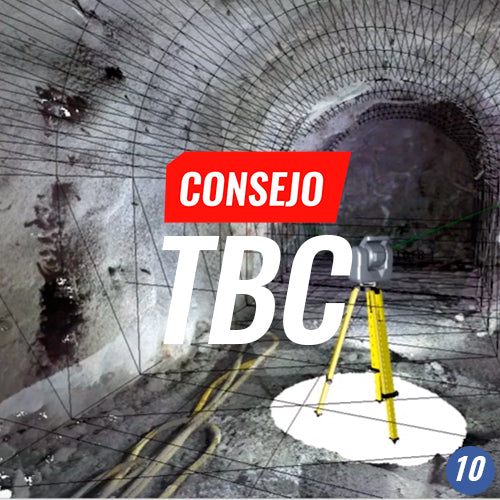

In this TBC Tip, we will work with massive data from the Trimble SX10 scanning station in a tunnel. You will experience using point cloud classification tools, assigning these to the project and comparing them with the design, with automated reports for both field and documentation with Drafting.

TOOLS REVIEWED
TBC Project Creation | 00:05
Importing the project in TXL Total Station Tunnel module format | 00:55
Creation of 3D designed mesh | 02:00
Create labels | 03:05
Importing survey in job format, Trimble SX10 | 04:10
Create cutting plane view | 05:53
Classify point cloud | 06:50
Assign points to the tunnel from the point cloud | 09:05
Final tunnel execution – customized quick report | 10:12
Create plan set from VCL template | 10:59
Create sheets – plan sheets | 11:25
Print PDF plan set | 11:35
Compartir:
TBC Tip #9 | PHOTOGRAMMETRY: DIRECT GEOREFERENCING
TBC Tip #11 | CONFIGURING AUTOMATIC INTERNET DOWNLOADS: SIRGAS AND GNSS