



Trimble RealWorks

POINT CLOUD PROCESSING AND ANALYSIS SOFTWARE
It is powerful, scalable software for working with point clouds, allowing you to efficiently manage, process and analyze large datasets with confidence and speed.
Automatic tools and specific workflows allow users to import cloud data from virtually any source, and then quickly process and analyze it to generate final products in areas such as surveying, tunnels, infrastructure, industrial plants, etc.
Trimble RealWorks Starter: This module provides a great set of tools for point cloud management and visualization, as well as tools focused on the extraction of topographic products, such as surface creation, volume calculations, etc.
Trimble RealWorks Core:
This module provides a set of specialized tools for point cloud processing and analysis, including automatic cloud classifications, drawing tools, and a set of specific tools for inspecting and analyzing point clouds in relation to 3D design models. Additionally, it includes all the tools present in the TRW Starter version.
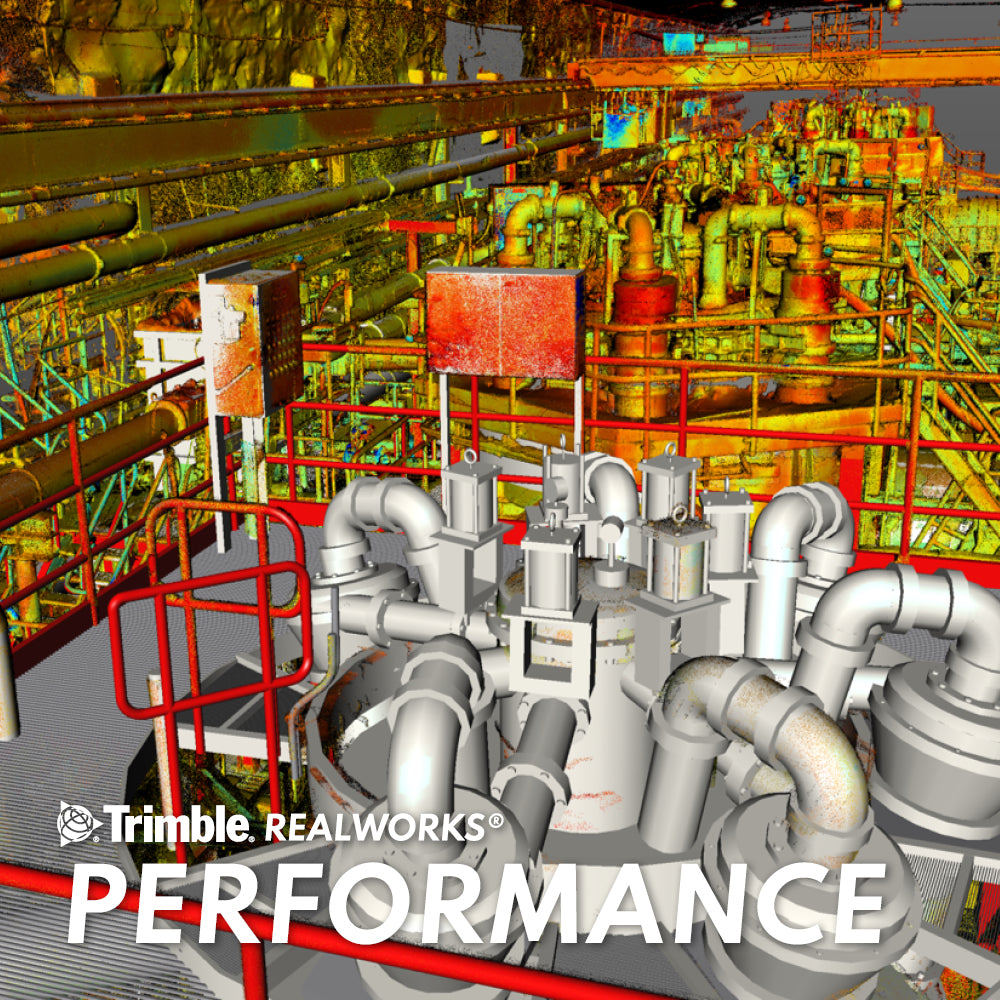
Trimble RealWorks Performance:
This module adds all the tools present in the two previous versions, plus advanced 3D modeling tools through automatic and assisted options for extracting and editing common shapes. Additionally, it improves the workflow for modeling industrial plants through semi-automatic tools for modeling pipes, stairs, steel structures, etc.
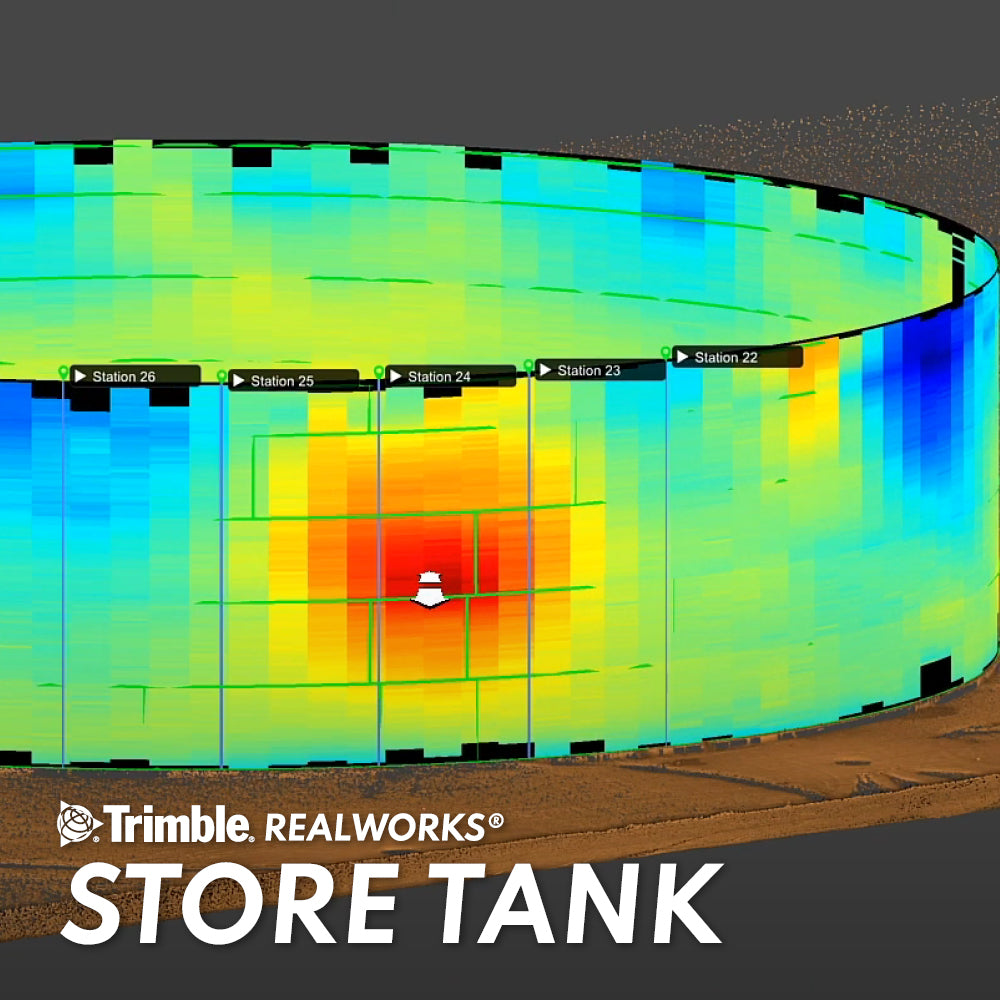
Trimble RealWorks Storage Tank:
This module provides an automated workflow for the inspection and calibration of storage tanks, from which the extraction of results and reports is automated under API 653 regulations. It includes all the tools present in the previous modules.
Operating system: Microsoft Windows 8.1, 1: 64-bit
Processor: 2.8 Ghz (4 cores) or higher (it is highly recommended to use additional cores compatible with HyperThreading)
RAM: minimum 16 GB (2 GB per processing thread or 4 GB per processing core is recommended if HyperThreading is used).
VGA card: OpenGL 3.3 compatible with at least 1 GB of VRAM. OpenGL 4.4 with 3GB of VRAM is recommended for maximum performance.
3-button mouse.
Other requirements
It is strongly recommended to use a Solid State Drive (SSD) for maximum performance (preferably 256GB)
SUPPORTED LANGUAGES
Simplified Chinese | German | Russian | English | Italian | Spanish | Finnish | Japanese | French | Korean
*The amount of available RAM will directly affect your ability to open all points of a large dataset in a reasonable amount of time. See the following suggested maximum point load limits according to available RAM.
8GB – 250 million | 16GB – 500 million | 24GB – 750 million | 32GB – 1 billion | 63GB – 2 billion
Important: Larger amounts of data may progressively take longer to open.

He also takes
-
Consulting
Our team is ready to help you overcome any challenge in your projects. We have specialists with real technical training, who will guide you to integrate the exact solution your operation needs. Get advice from us via WhatsApp here
-
After-sales (Support and Technical Service)
We provide immediate technical support through our engineers to advise you on using your equipment to its maximum potential. Contact us to schedule your Technical Support via WhatsApp, or visit our Specialized Support portal to resolve operational queries.
-
News
Always stay one step ahead with the latest innovations in geospatial technology. Learn about new product launches, exclusive events, and technical talks designed to optimize your solutions. Discover all our news on the GEOCOM Blog

