


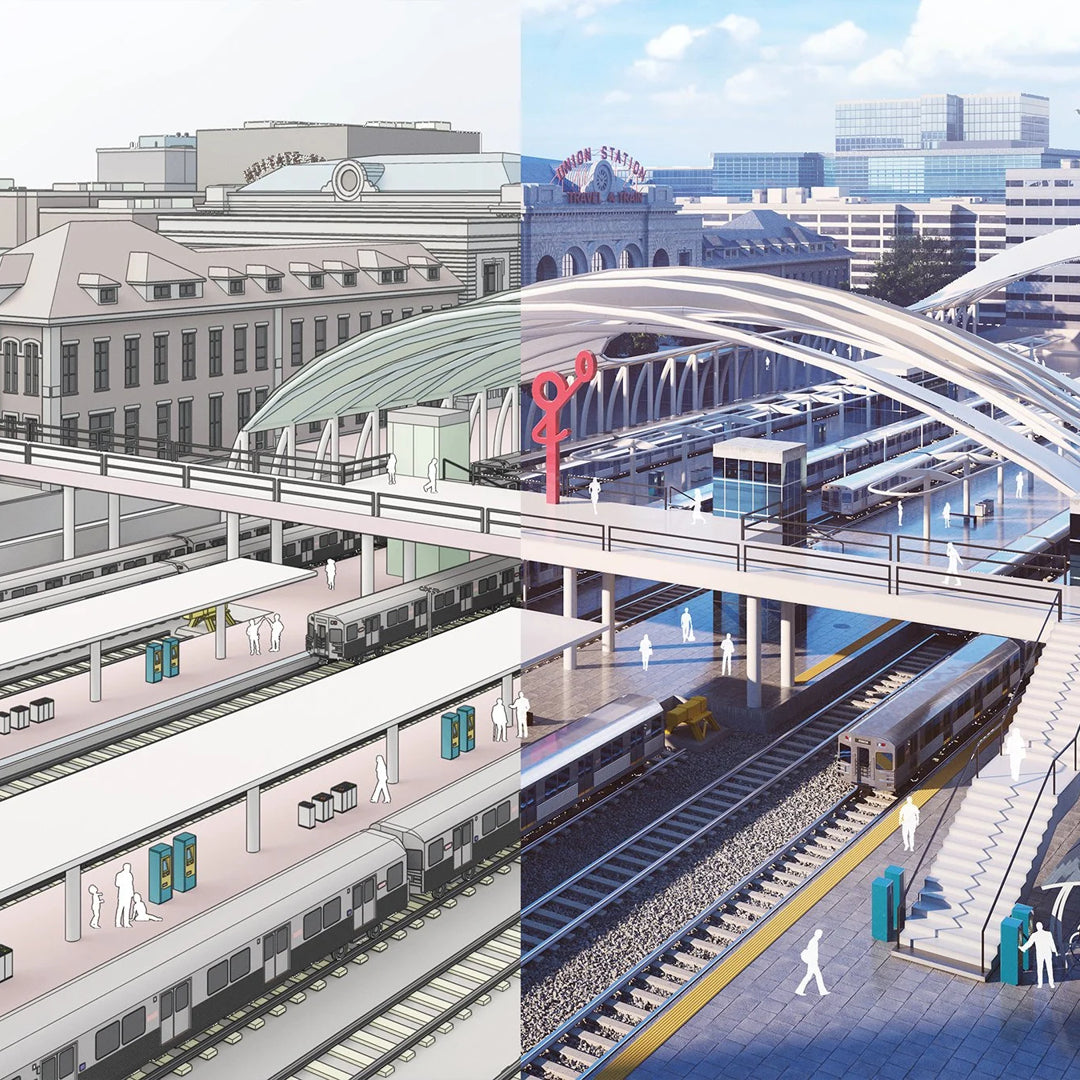
Toda la potencia y facilidad intuitiva de SketchUp, impulsada por la precisión de la nube de puntos y flujos de trabajo interoperables avanzados.

SketchUp Pro Advanced Workflows

A COMPLETE SCAN-TO-3D SOLUTION
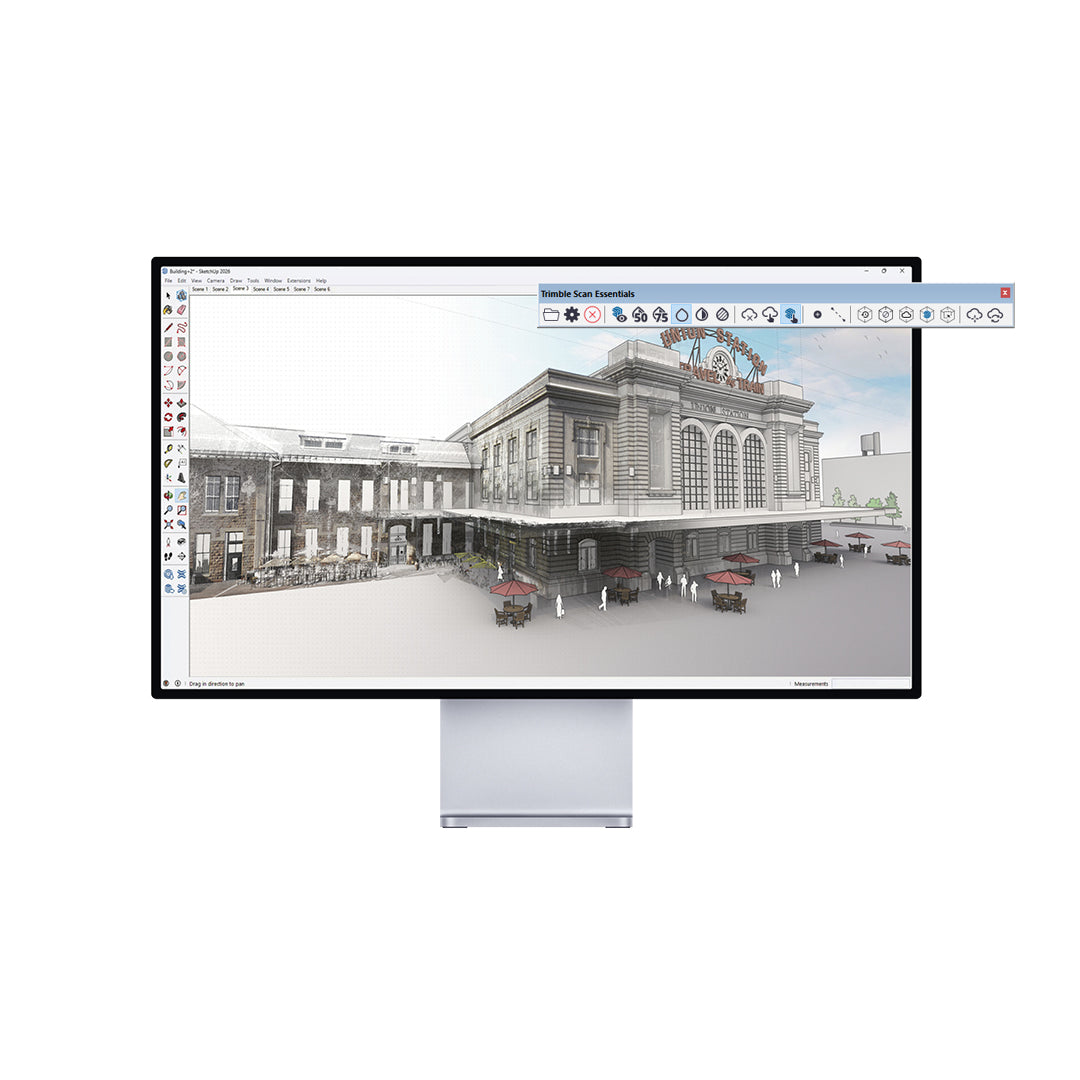
SketchUp Pro Scan is the most accessible way to work with 3D point clouds. With intuitive 3D and 2D applications that work with point clouds, Pro Scan helps you convert scanned data into clear dimensional visualizations that everyone can understand. Windows only.
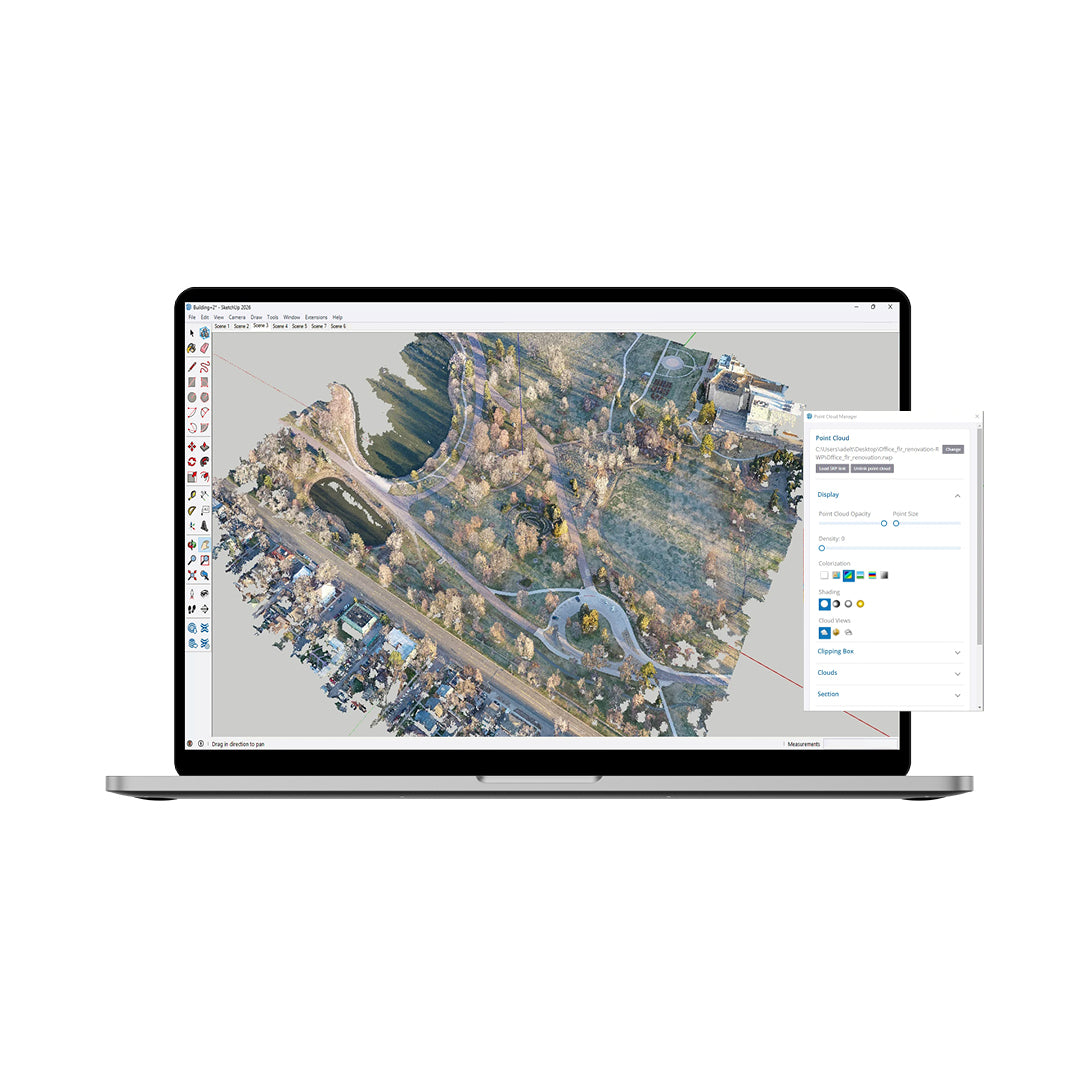
Point Cloud Integration
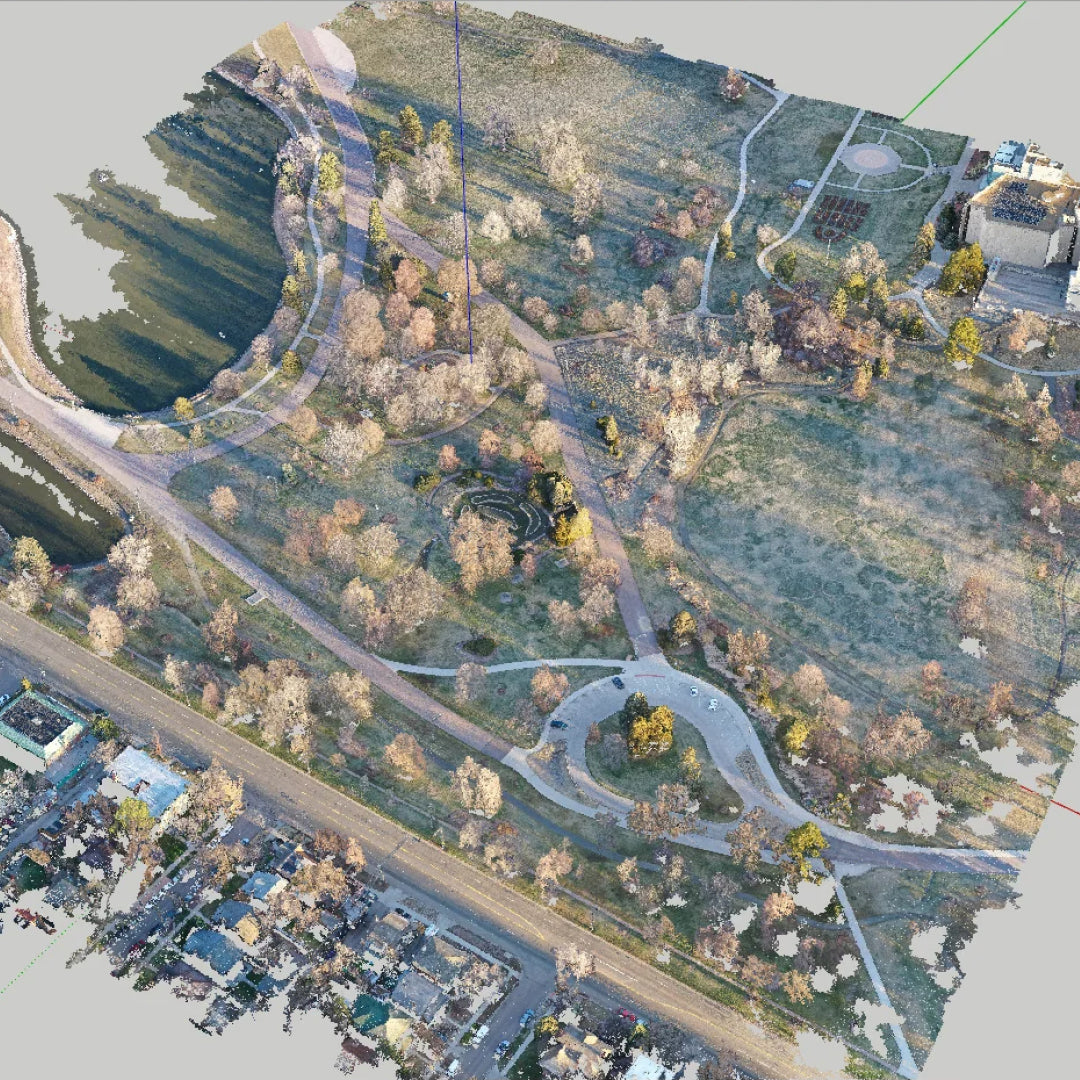
Import terrestrial scans, photogrammetry, LiDAR sensors, mobile mapping, and drone captures as point clouds and visualize them in 3D.
Intuitive 3D Modeling
Model precisely over point clouds using SketchUp's simple native tools. Create accurate 3D models for professional projects.
Mobile Modeler
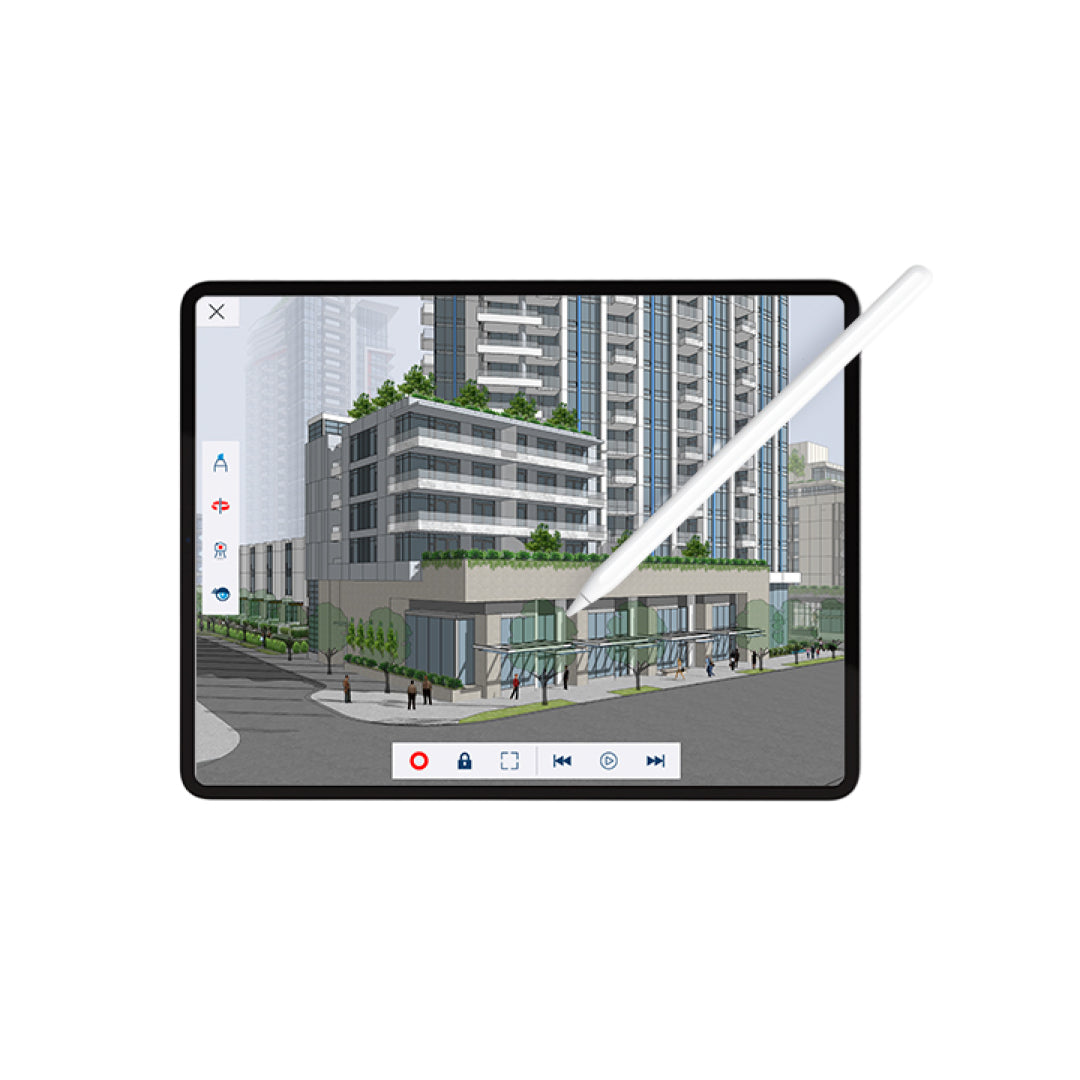
Draw, edit, and mark up 3D models directly on your iPad. Create and collaborate in 3D on site, in the office, or on the go.
2D Documentation
Draw, edit, and mark up 3D models directly on your iPad. Create and collaborate in 3D on site, in the office, or on the go.
Cloud Collaboration
Link data from over 60 industry tools and share the latest datasets to keep projects on schedule and on budget.
AR/VR Visualization Apps
Immerse clients in 1:1 scale 3D designs or tabletop mode using mixed reality and virtual reality visualization apps.
⨭Create and collaborate in 3D on the go (SketchUp for iPad)
⨭Ability to review and mark up 3D models (SketchUp for iPad)
⨭SketchUp essentials in a browser (SketchUp for Web)
⨭Access 3D files from any device and enjoy unlimited cloud storage (Trimble Connect)
⨭Modeler capable of handling large 3D files (SketchUp Pro)
⨭Extensions to create 3D projects (Extension Warehouse)
⨭Create 2D construction documents or presentation materials (LayOut)
⨭Ideas for design research (PreDesign)
⨭Present in mixed and virtual reality (XR Viewers)
⨭Import and model 3D point cloud data (Scan Essentials)
⨭Revit Importer
Characteristics
Specifications
Video
He also takes
-
Consulting
Our team is ready to help you overcome any challenge in your projects. We have specialists with real technical training, who will guide you to integrate the exact solution your operation needs. Get advice from us via WhatsApp here
-
After-sales (Support and Technical Service)
We provide immediate technical support through our engineers to advise you on using your equipment to its maximum potential. Contact us to schedule your Technical Support via WhatsApp, or visit our Specialized Support portal to resolve operational queries.
-
News
Always stay one step ahead with the latest innovations in geospatial technology. Learn about new product launches, exclusive events, and technical talks designed to optimize your solutions. Discover all our news on the GEOCOM Blog

